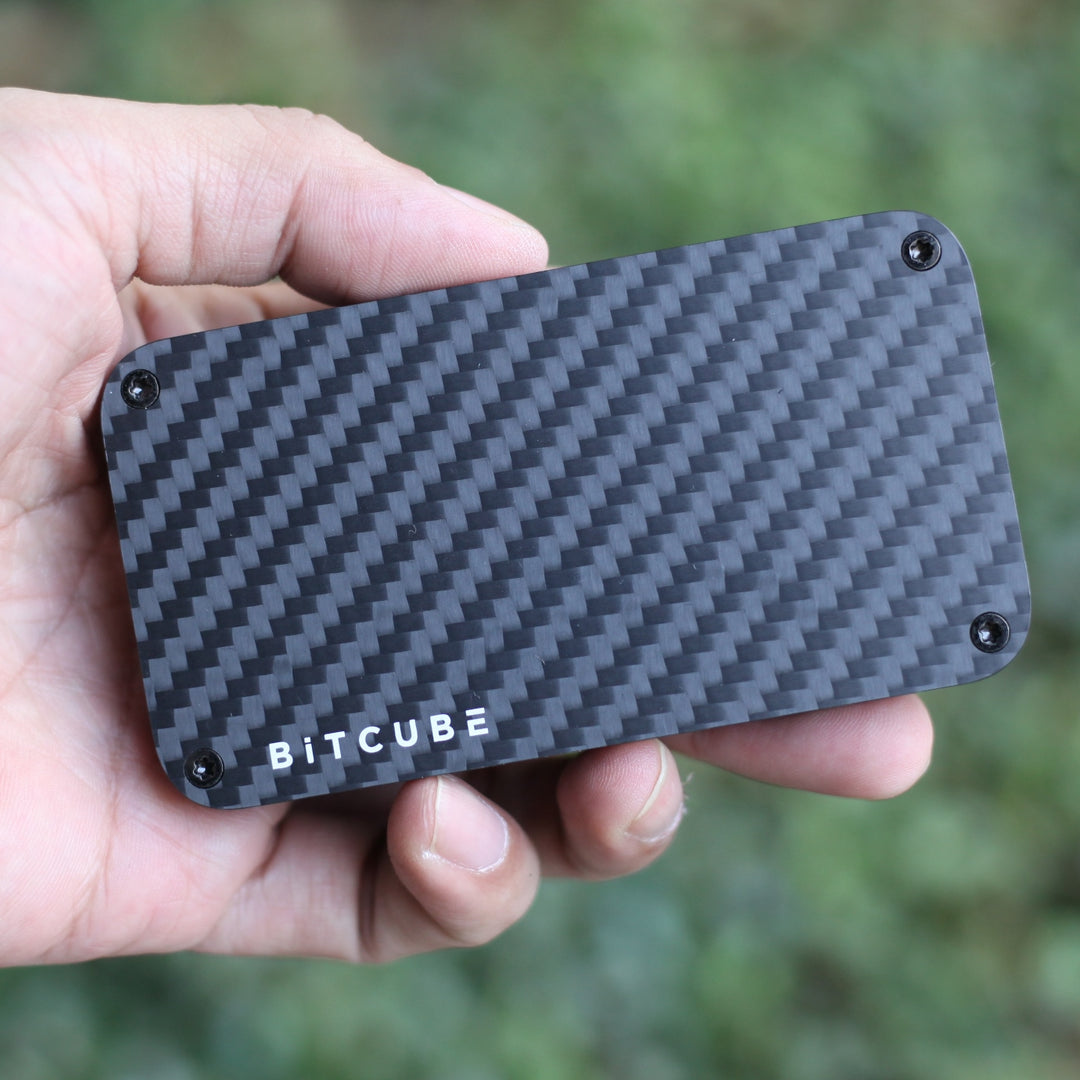





Bitcube NVMe SSD Enclosure — 2800MB/s · Carbon Fiber · Up to 8TB

Bitcube NVMe SSD Enclosure — 2800MB/s · Carbon Fiber · Up to 8TB

Regular price $ 199.00 Sale price$ 99.00
/
Shipping calculated at checkout.

  • Free worldwide shipping over $50
  • Low stock - 6 items left
  • Backordered, shipping soon

Your SSD Deserves a Better Home

The Bitcube is built for creators, professionals, and power users who refuse to compromise on speed. Wrapped in premium carbon fiber and engineered for blazing-fast NVMe performance, it's the last SSD enclosure you'll ever need.

⚡ Blazing Fast Performance

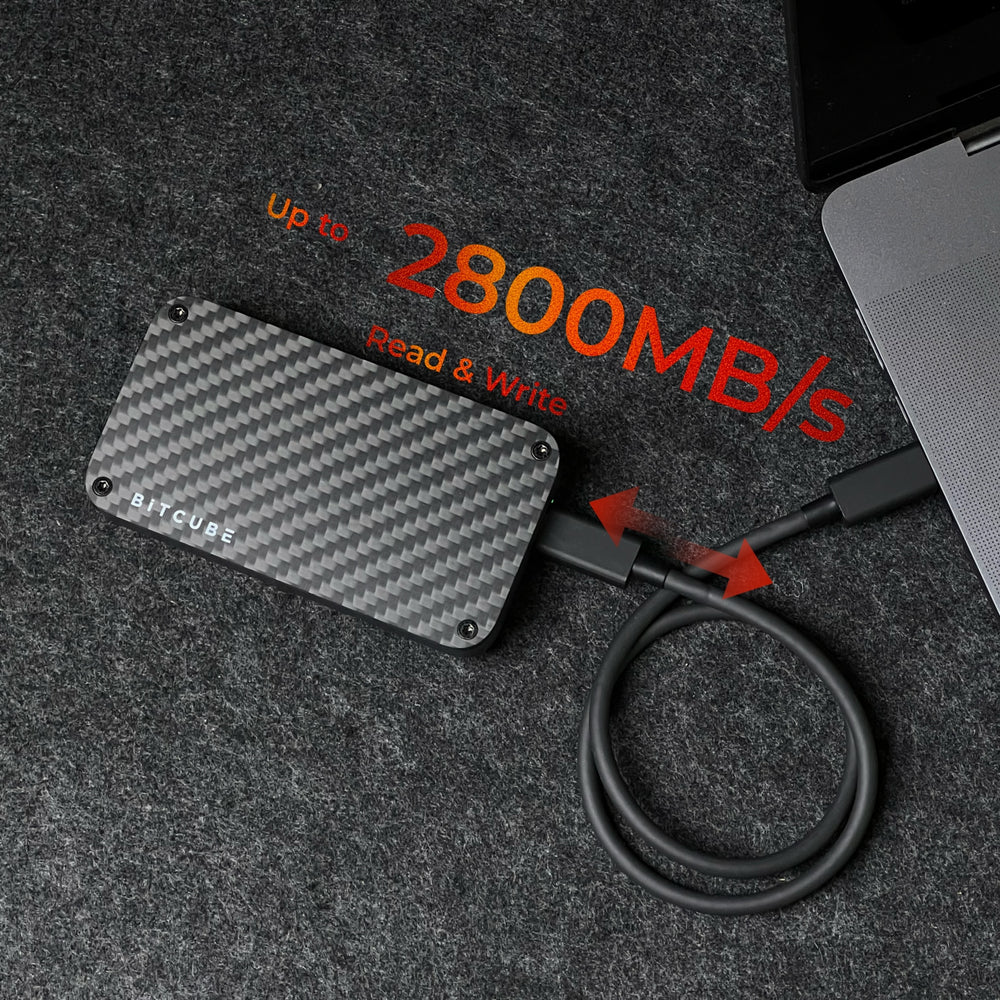
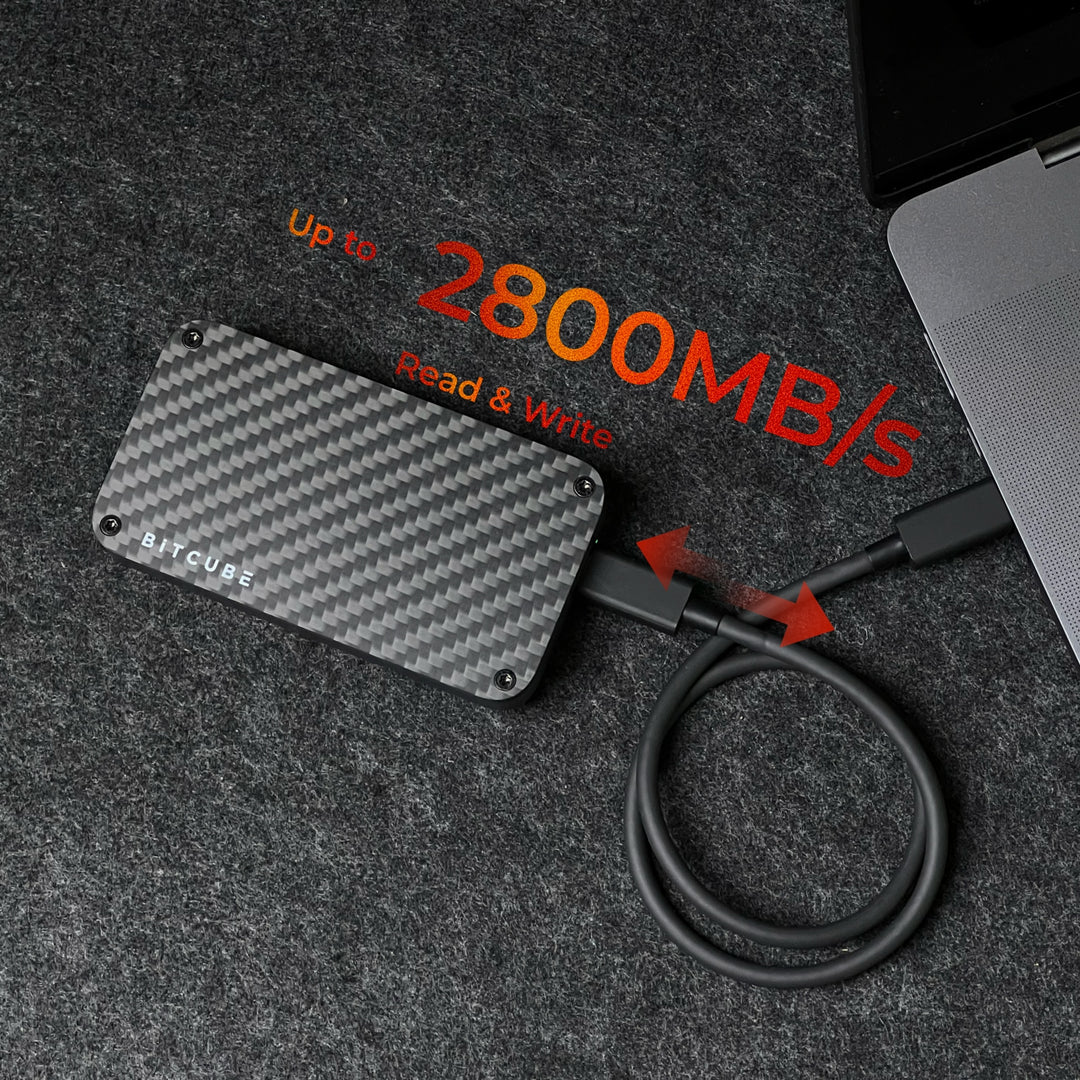
  • Up to 2800MB/s read/write speeds — transfer a 10GB file in seconds
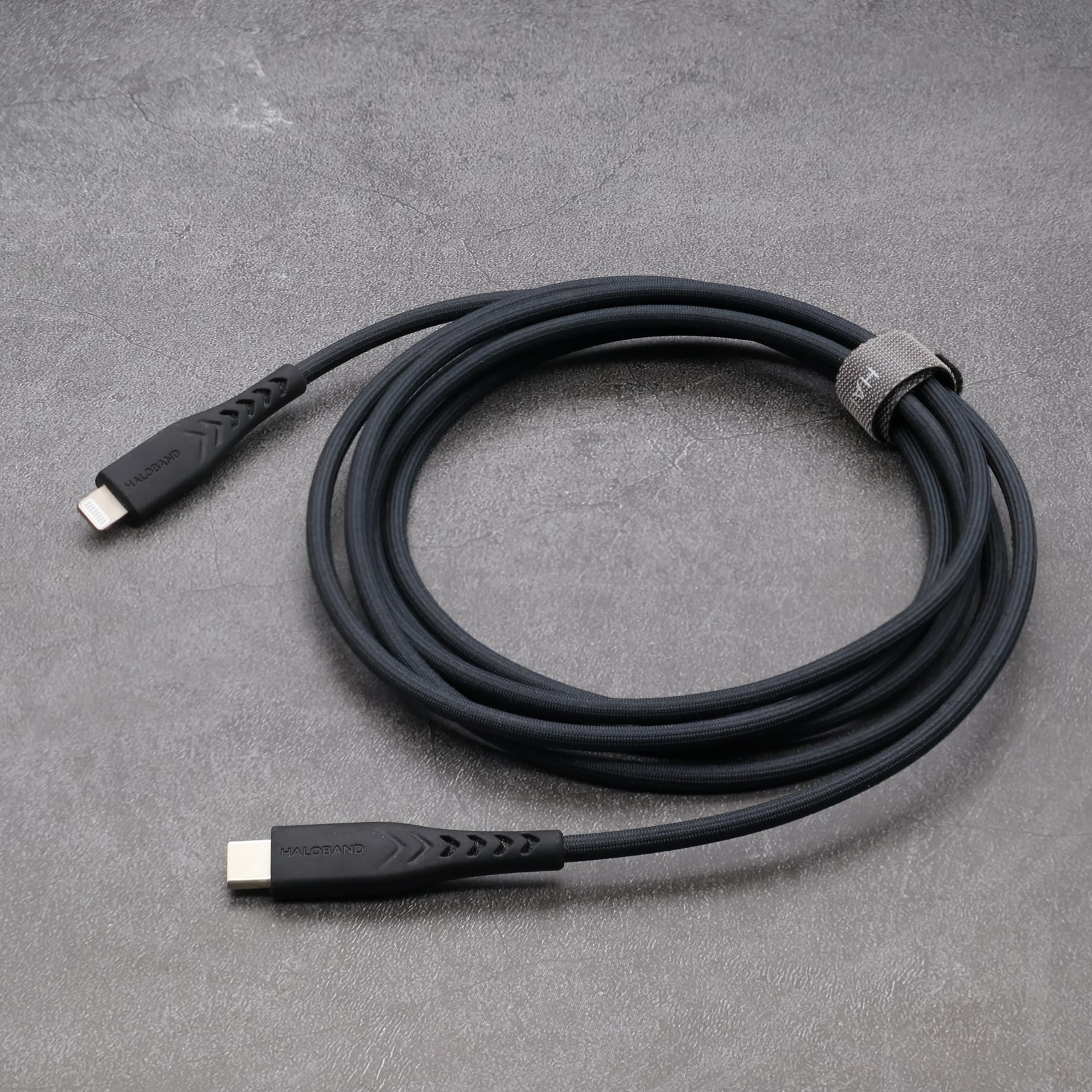
  • Thunderbolt 4 & USB 3.2 compatible — maximum bandwidth, zero bottlenecks
  • Supports M.2 NVMe SSDs up to 8TB — room to grow

🛡️ Premium Build Quality

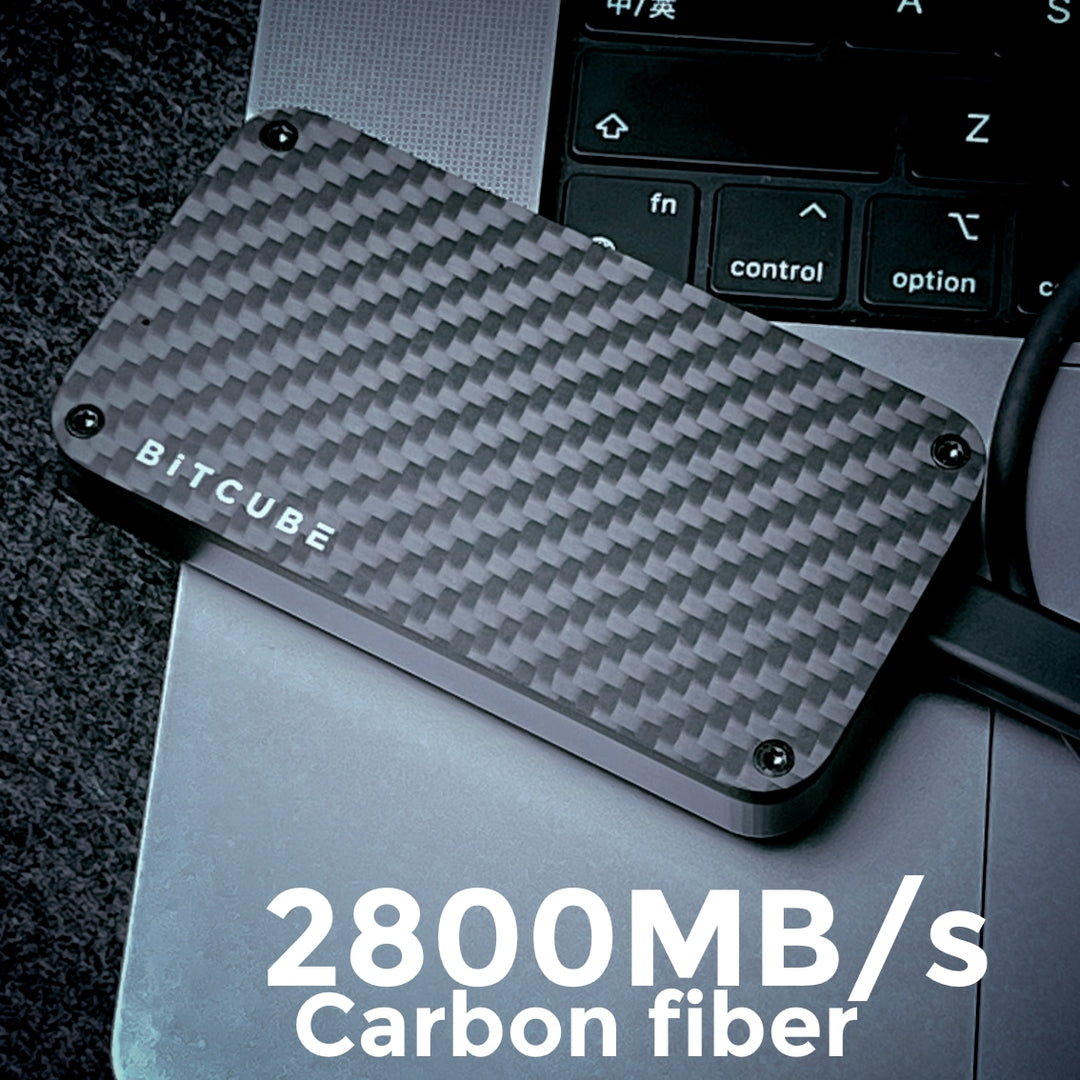
  • Carbon fiber shell — lightweight, rigid, and built to last
  • Rugged design — handles daily carry without breaking a sweat
  • Compact form factor — fits in your pocket, powers your workflow

🔌 Broad Compatibility

  • Works with MacBook Pro, MacBook Air, iPad Pro, Windows laptops, and more
  • Plug-and-play — no drivers needed
  • Compatible with Thunderbolt 3/4, USB4, and USB 3.2

Tech Specs

  • Interface: Thunderbolt 4 / USB 3.2
  • Max speed: 2800MB/s
  • SSD form factor: M.2 NVMe
  • Max capacity: 8TB
  • Material: Carbon fiber
  • SKU: bc40

Built for Speed. Built to Last.

Shipping is EU/AU/US/CA/CN Friendly! No additional customs charges.

This site is protected by hCaptcha and the hCaptcha Privacy Policy and Terms of Service apply.

FAQs

For Mac only, APFS is the best.

If you plan to use your drive for File History backups on a Windows computer, and you use only Windows, stick to NTFS (New Technology File System). NTFS is native to Windows, and most hard drives are preformatted for this file system. macOS and Linux computers, however, can only read files stored on such a drive; they cannot write to an NTFS-formatted drive.

If you need to transfer files between Mac and Windows computers, exFAT (extended File Allocation Table) is the best option.

https://support.apple.com/guide/disk-utility/file-system-formats-dsku19ed921c/mac

PCIe 3.0 is enough, and considering the future scalability and the stability brought by the updated technology, PCIe 4.0 is also recommended. 

If you notice a performance drop when an external hard drive is connected to your computer (for instance, an SSD hard drive connected to the Thunderbolt 3 port), the following settings can be enabled to help increase the performance:

https://www.dell.com/support/kbdoc/zh-cn/000125479/how-to-improve-performance-of-external-hard-drive?lang=en

The default format of bitcube (with SSD) is APFS, which will not be displayed in Windows. You need to enter Desk Management to delete and reformat the SSD to NTFS or exFAT.